
 Comms
Hospitality Team Chat That Retires Your WhatsApp Groups
A branded team chat and newsfeed that feels like social media, without personal accounts. Target by role and location, and know your critical updates were read.
350+ brands · 4,000+ locations


What changes when WhatsApp groups go
- 60k+Messages a monthPizza Pilgrims runs its team chat on its own branded app.
- 8 in 10Open it every dayAbout 500 of 600 Pizza Pilgrims staff open the app daily.
- 90%Of posts readCompany-wide read rate at Honest Burgers, across 900+ restaurant staff.
Feels like social. Runs like work.
-

Urgent messages
Staff swipe to confirm they've read it before they carry on.
-
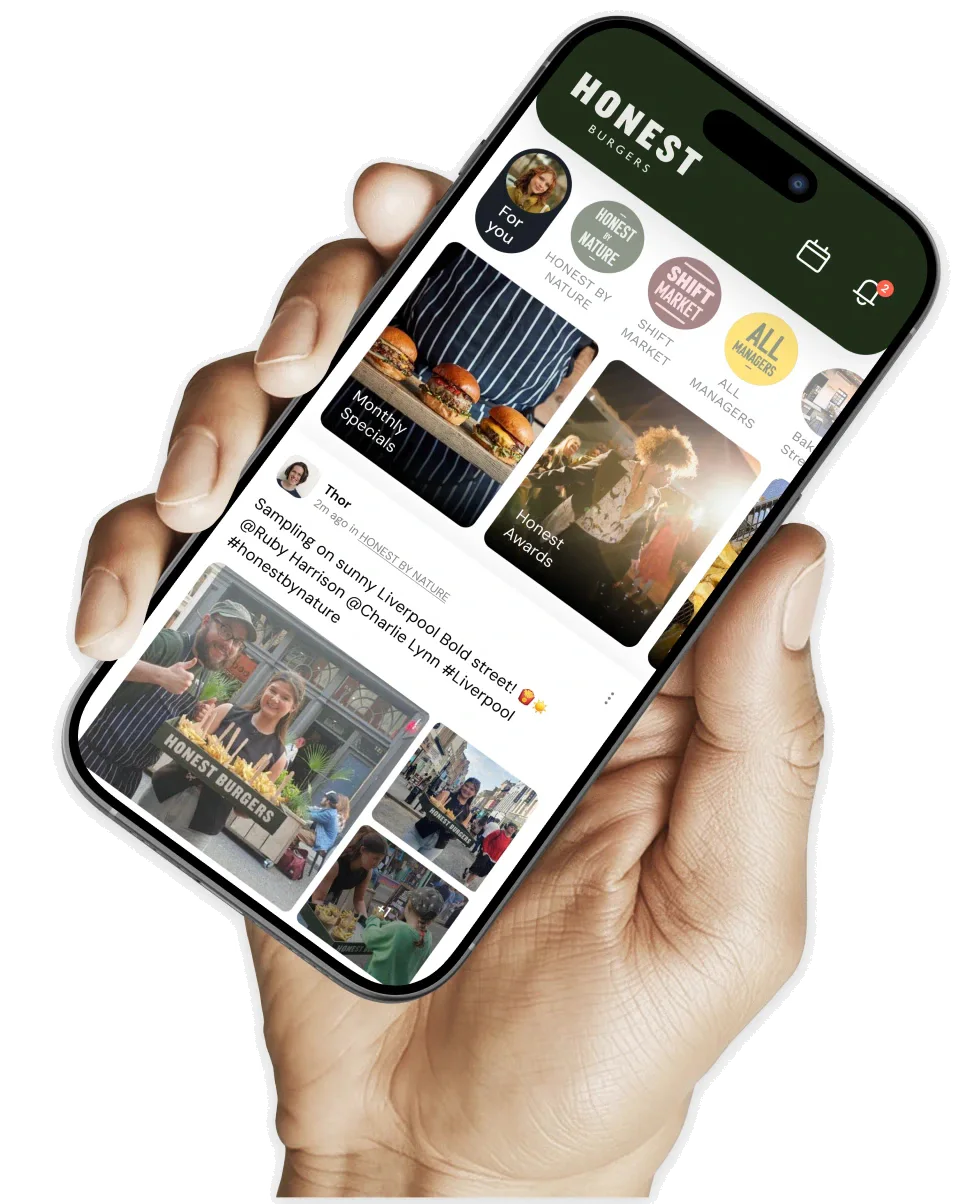
A feed in your brand
Posts, photos and shout-outs, without anyone's personal profile.
-
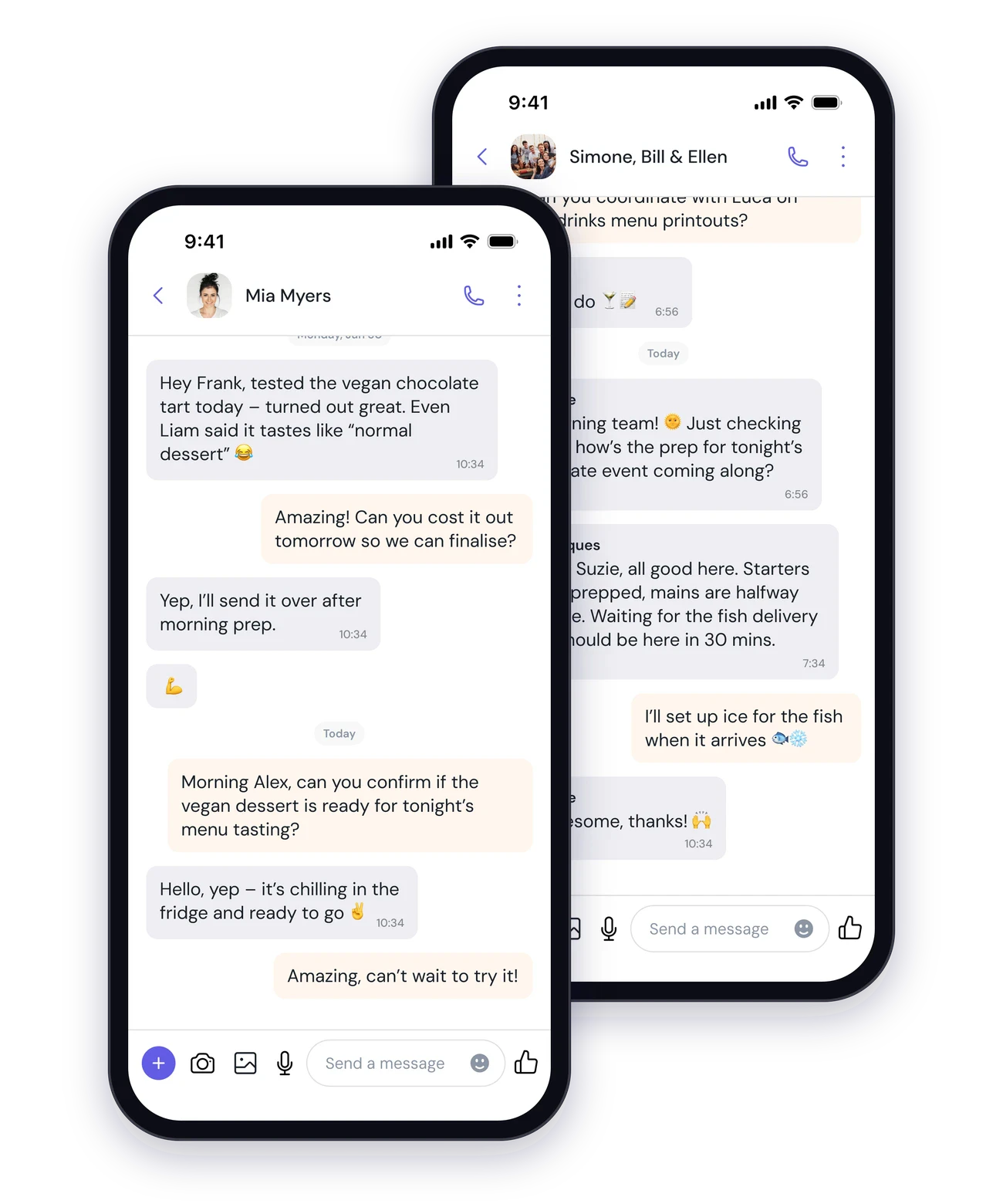
Chat that stays at work
Text, images, GIFs and video calls, with you in control.


- Targeting by role and location
- Channels fill themselves by role and location
- AI Assistant drafts and posts targeted comms
Just shipped
New in Comms
- Oct 2026
Pinned messages
Pin the opening times, the Wi-Fi code or this week's specials to the top of any chat.
- Oct 2026
Everything you expect from chat
Swipe to reply, @mentions, forward, drafts, link previews, edited labels and search inside a chat that jumps to the message.
- Oct 2026
AI Assistant in the chat
Message the AI Assistant like a colleague. It catches you up on busy chats, drafts replies and sets up groups, and nothing goes out until you approve.
How it works
- 1
Connect your rota or HR
Staff land in the right channels automatically, and leave when they leave.
- 2
Set up your channels
Per site, per role, or group-wide.
- 3
Post and target
Choose who sees it. Mark it urgent when it has to be read.
- 4
See who's read it
Know the message landed at every site.
Who it's for

Head of People
Ex-employees out of the group chat, and comms back under your control.
Area Manager
One post reaches every site, instead of 20 WhatsApp groups.
Ops Director
Know every location got the update, not just the ones that replied.
Growing Multi-Site Owner
Keep the culture of site one as you open site ten.
Questions, answered
How is this different from WhatsApp?
It's your branded space, not personal phone numbers. Staff are added and removed automatically, so ex-employees don't stay in the groups, and you can target and confirm messages.
Do staff need a personal social media account?
No. They log in to your app with their work profile. No personal accounts, no friend requests.
Can we make sure important updates are read?
Yes. Urgent messages block the app until staff swipe to confirm they've read them, so you know who has seen it.
How do people end up in the right channels?
All Gravy adds and removes staff from channels based on your scheduling system, by role and location. See integrations.

One app, every site on the same page.
Tell us how many WhatsApp groups you run. We'll show you what replaces them.
- 350+ hospitality brands
- 4,000+ locations
- 4.7 on G2
